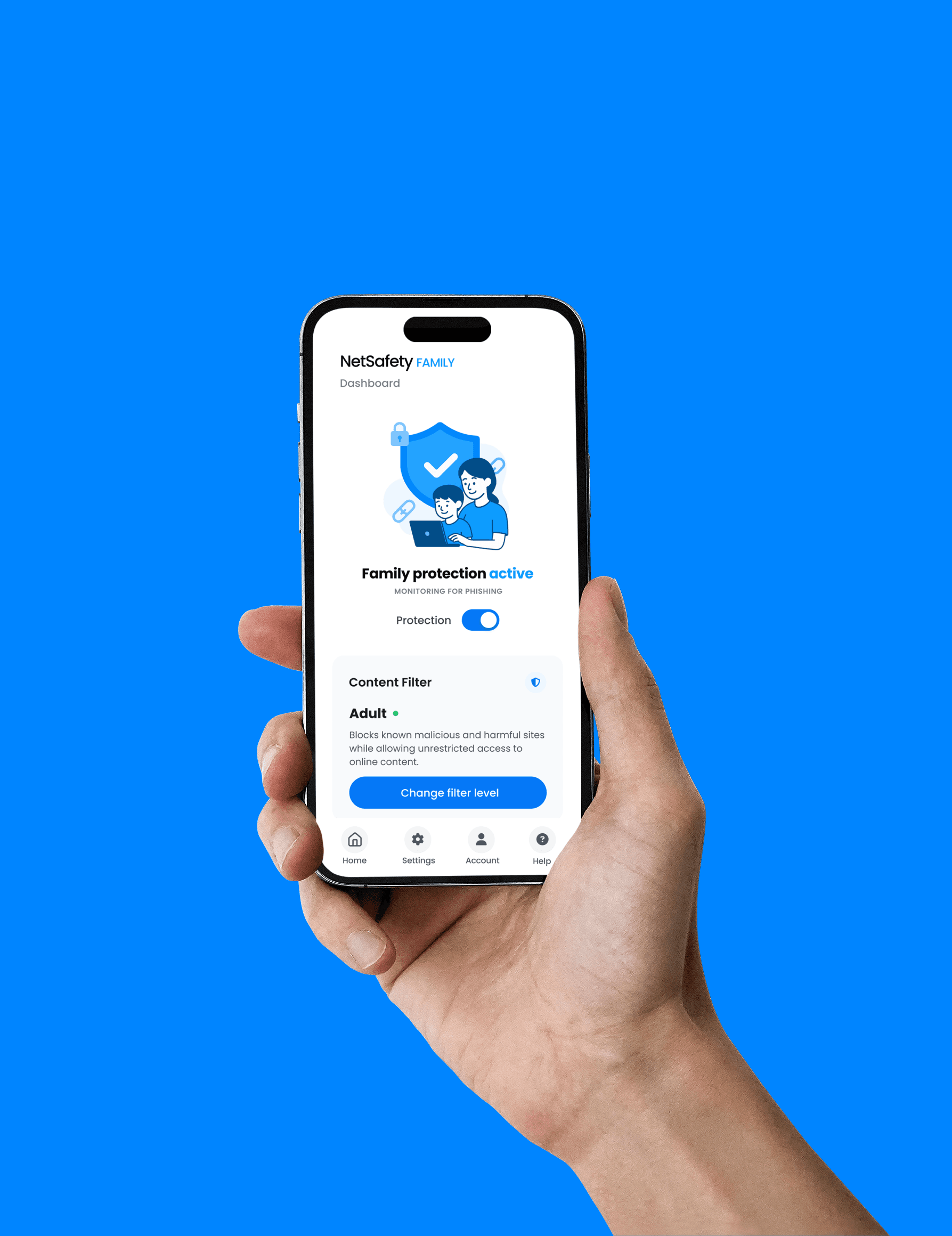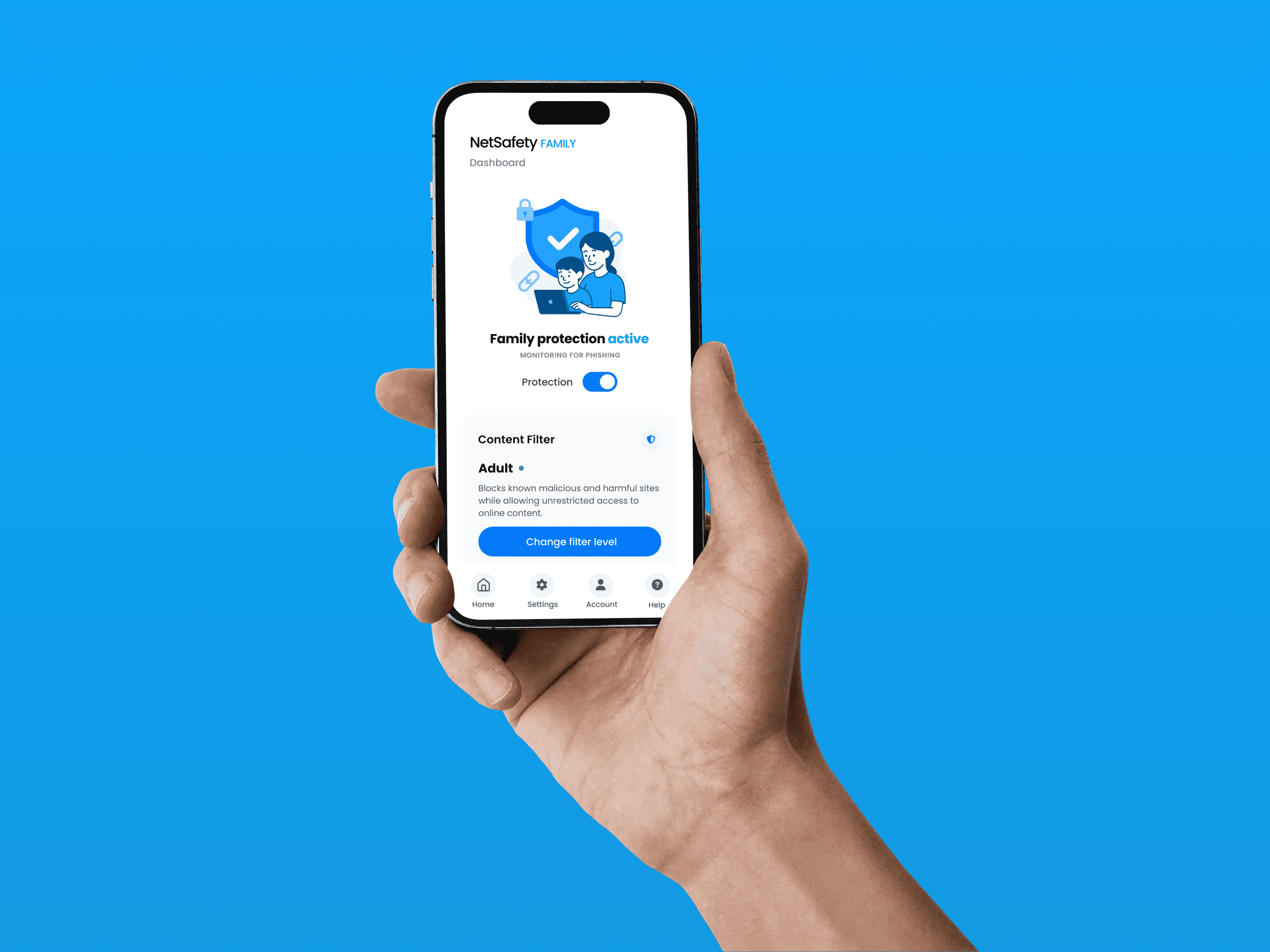
NetSafety Family App

NetSafety Family App

Delivery

UX Design

UX Design

UI Design

UI Design

Interactive Prototype

Interactive Prototype

My role

Lead UI/UX Designer

Lead UI/UX Designer

Client

Wontok Australian Company

Wontok Australian Company

Overview

Overview

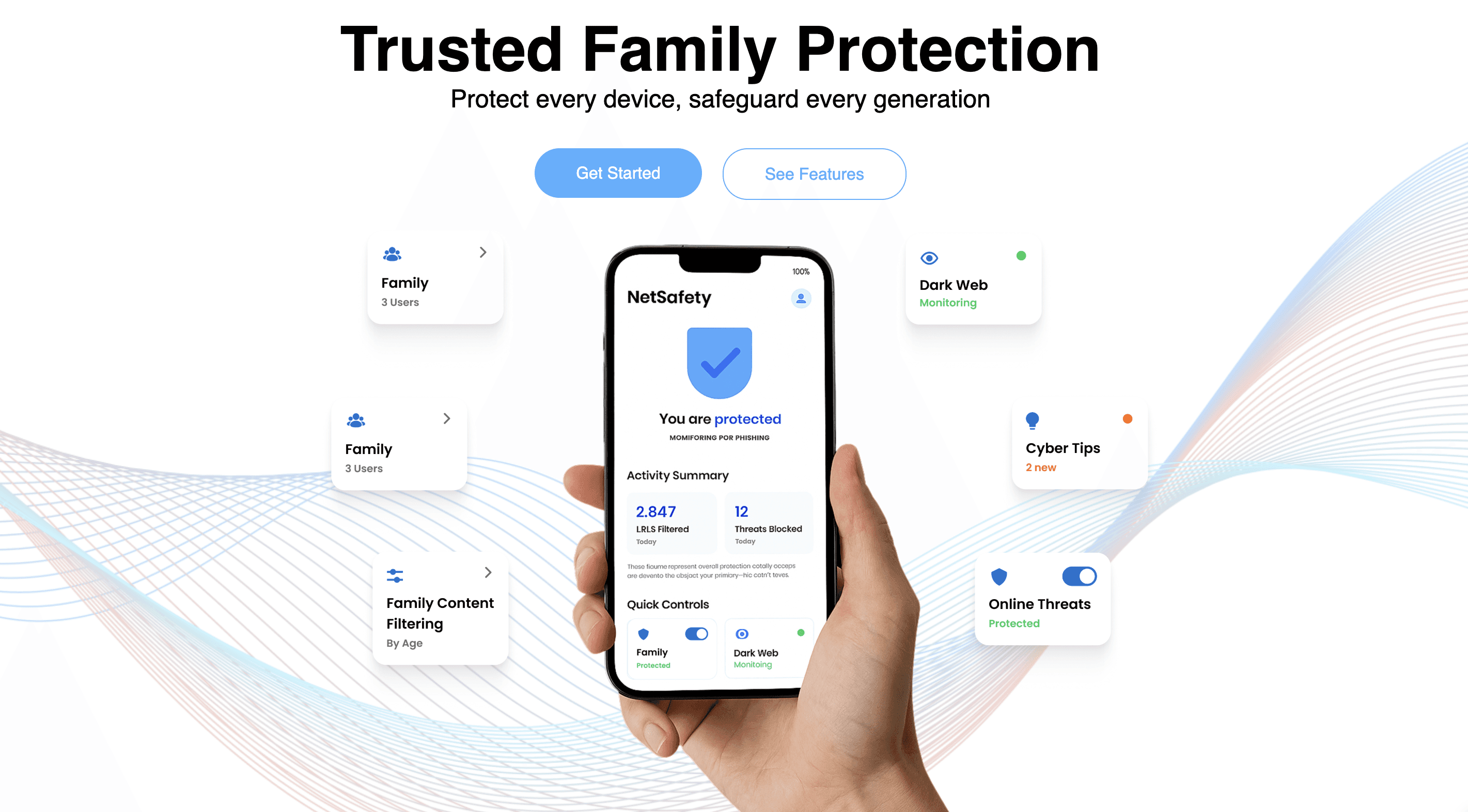
NetSafety Family is a cybersecurity app designed to provide safer browsing for every member of the household. The app allows parents to customise content filters for children and teens, while ensuring protection against online threats such as malware, phishing and unsafe websites.

NetSafety Family is a cybersecurity app designed to provide safer browsing for every member of the household. The app allows parents to customise content filters for children and teens, while ensuring protection against online threats such as malware, phishing and unsafe websites.

The Challenge

The previous app experience was too technical and not intuitive for families. Key features like content filters, PIN protection and dashboard feedback were unclear or difficult to use, making it hard for parents to manage their children’s online safety.
The Goals

The redesign aimed to make the app clear, intuitive and family-friendly. The main goals were to simplify onboarding, provide straightforward parental controls, and improve trust with clear feedback on protection status. The objective was to ensure every family member could browse online safely with confidence.

The Goals

The redesign aimed to make the app clear, intuitive and family-friendly. The main goals were to simplify onboarding, provide straightforward parental controls, and improve trust with clear feedback on protection status. The objective was to ensure every family member could browse online safely with confidence.

The Process

01

01

Strategy

Strategy

Initial phase focused on identifying business objectives, target users and functional requirements. This included aligning with stakeholders to define the scope and success criteria of the app.

02

02

References & AI

References & AI

Collected visual and functional benchmarks from competitor products and industry standards. Used AI tools to generate design variations and explore alternative solutions, which informed early design directions.

03

03

Info Architecture

Info Architecture

Structured the app into logical sections and flows. Created user journey maps to document core scenarios such as onboarding, parental controls and browsing filters. These maps served as the foundation for wireframes.

04

04

Prototyping

Prototyping

Developed low-fidelity wireframes and converted them into interactive prototypes. Conducted internal reviews to validate navigation, hierarchy and clarity of the flows before moving to high-fidelity stages.

05

05

UI Design in Figma

UI Design in Figma

Created the final layouts in Figma, establishing a design system with reusable components, typography and colour guidelines. Documented interaction patterns and accessibility considerations for consistency across screens.

06

06

Handoff & Delivery

Handoff & Delivery

Organised design files, specifications and assets to support the development team. Provided guidance on implementation details and ensured alignment between the design outputs and business requirements.


UX Strategy

Web Platform

Automation

Client

Down Under Stay

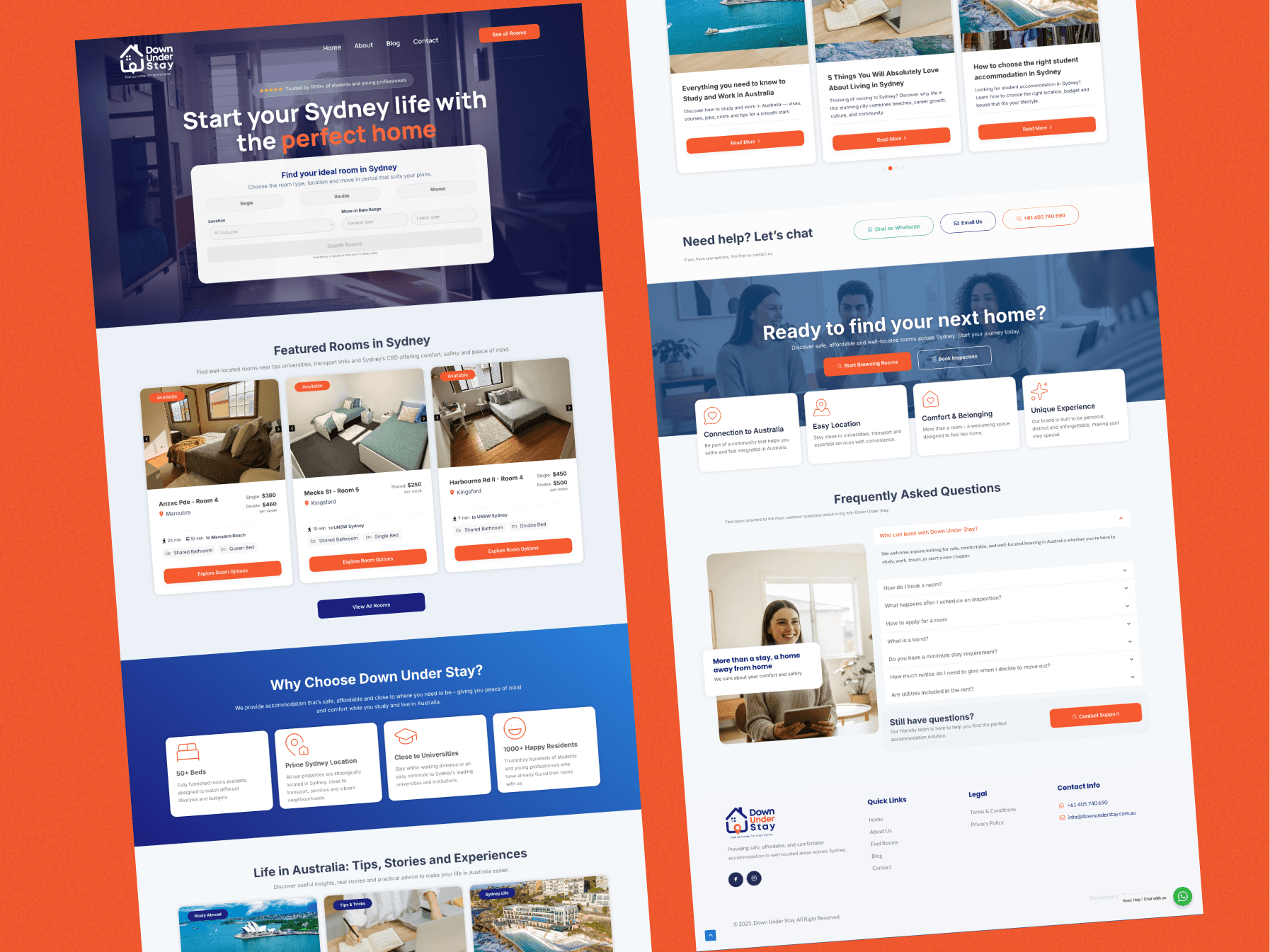
Down Under Stay – Accommodation Platform

UX Strategy

Web Platform

Automation

Client

Down Under Stay

Down Under Stay – Accommodation Platform

UX Strategy

Web Platform

Automation

Client

Down Under Stay

Down Under Stay – Accommodation Platform

Web Design

WordPress

UI Development

Client

Beatriz Furtado

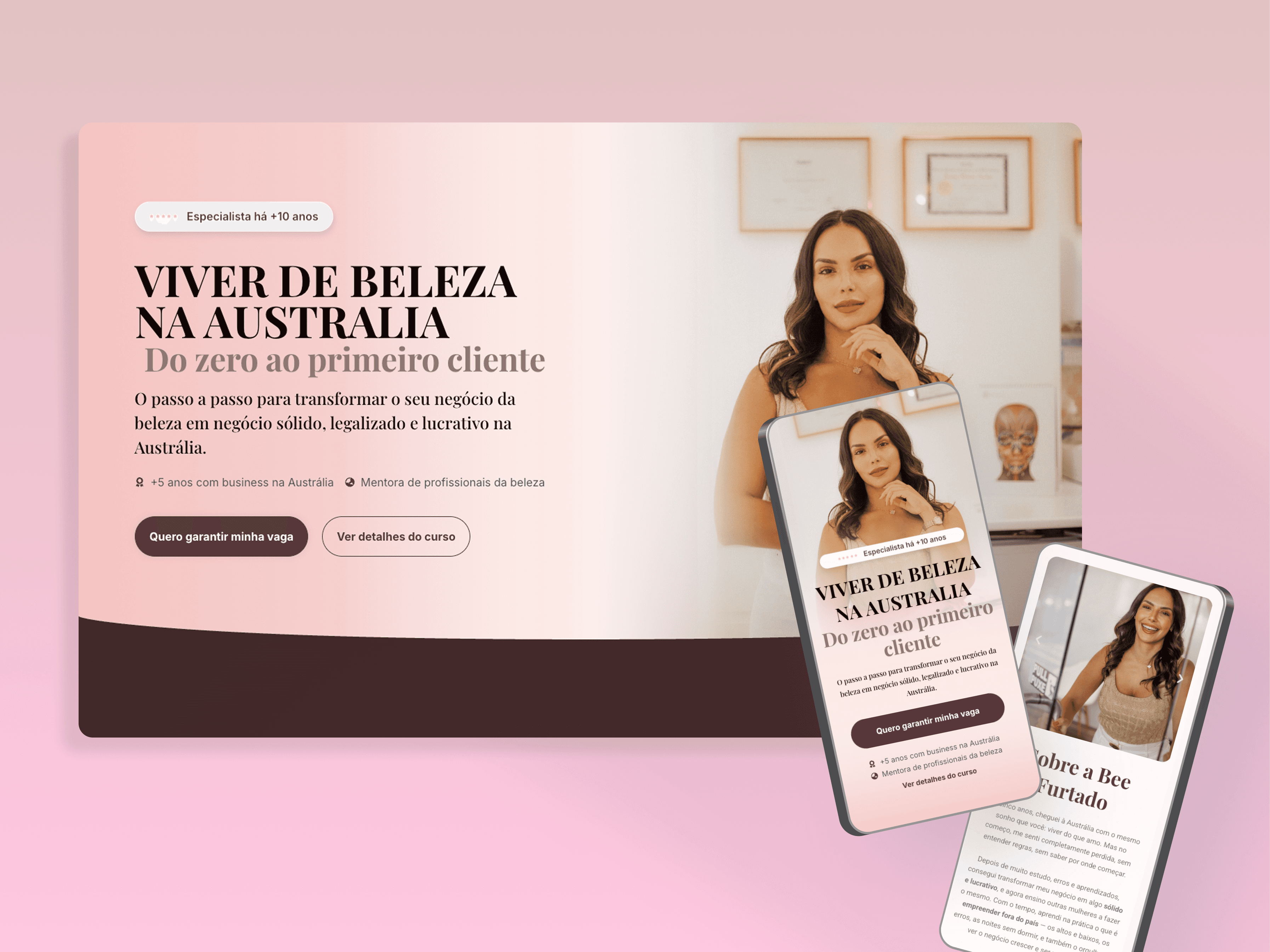
Mentoria EUpresária – Strategic Mentorship Landing Page

Web Design

WordPress

UI Development

Client

Beatriz Furtado

Mentoria EUpresária – Strategic Mentorship Landing Page

Web Design

WordPress

UI Development

Client

Beatriz Furtado

Mentoria EUpresária – Strategic Mentorship Landing Page